Command palette
Press ⌘K (Ctrl+K on Linux) to jump to any terminal, project, task, or pull
request.
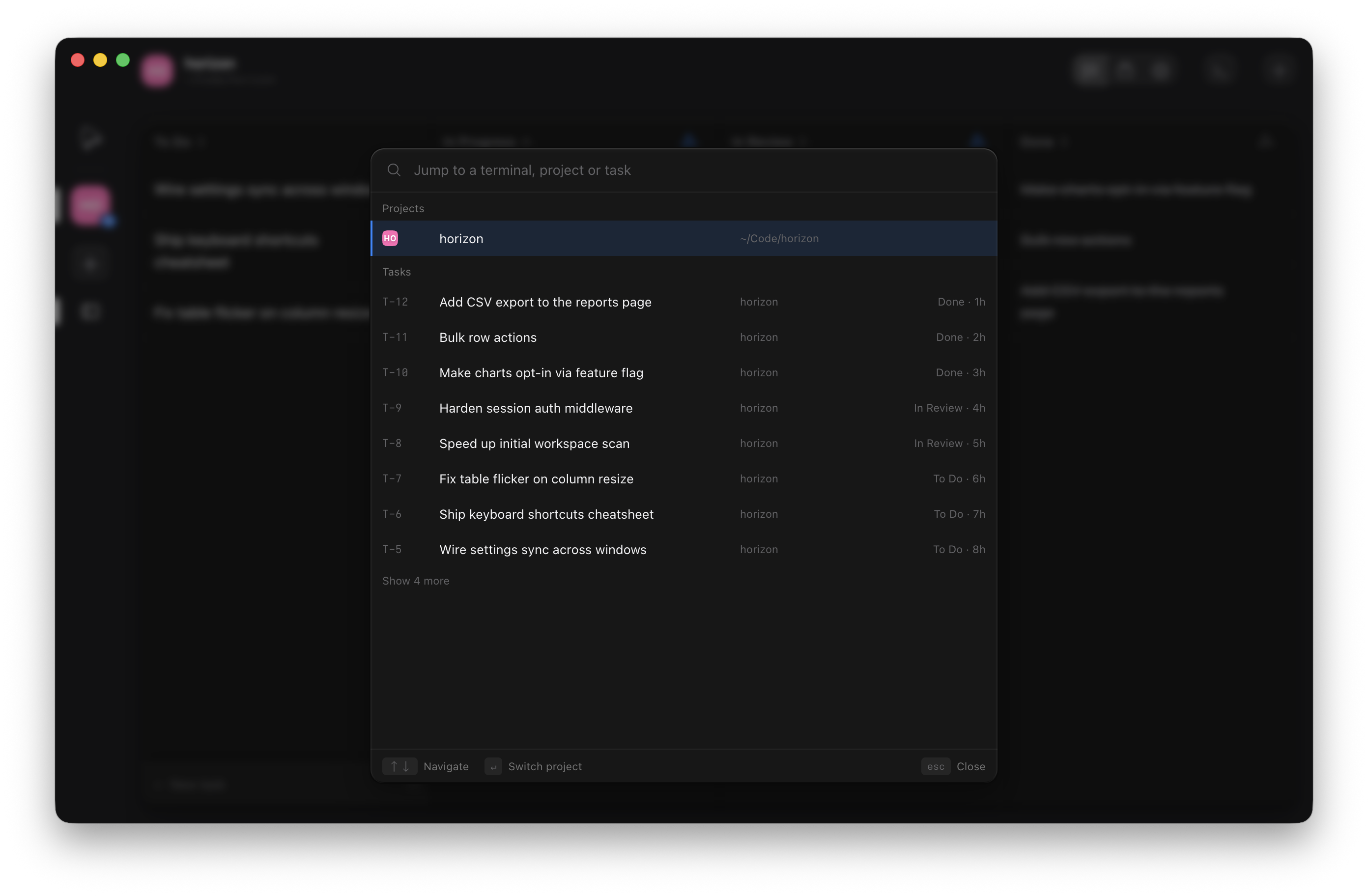
What Enter does
A task is always one row. Its state decides the action:
| Row | Action |
|---|---|
| Task with a live terminal | Focus terminal |
| Task with a worktree but no terminal | Open worktree: opens a shell there |
| Unstarted task | Start task: creates the branch and worktree, moves it to In Progress, opens a shell. No hook runs. |
| Terminal | Focus terminal, switching project and view as needed |
| Project | Switch project |
| Pull request | Open pull request in the panel |
A task's live terminals nest under its row, each selectable on its own. Pull requests appear for the active project when the GitHub surface is on; a pull request already linked to a task shows as that task instead.
Search by anything
Type any part of a name, a task number (T-42 or 42), a PR number, a branch, a tag,
or a project name. Items you open often rise toward the top.
With an empty query the palette shows a Recent group first, then terminals, projects, tasks, and pull requests.