Panels
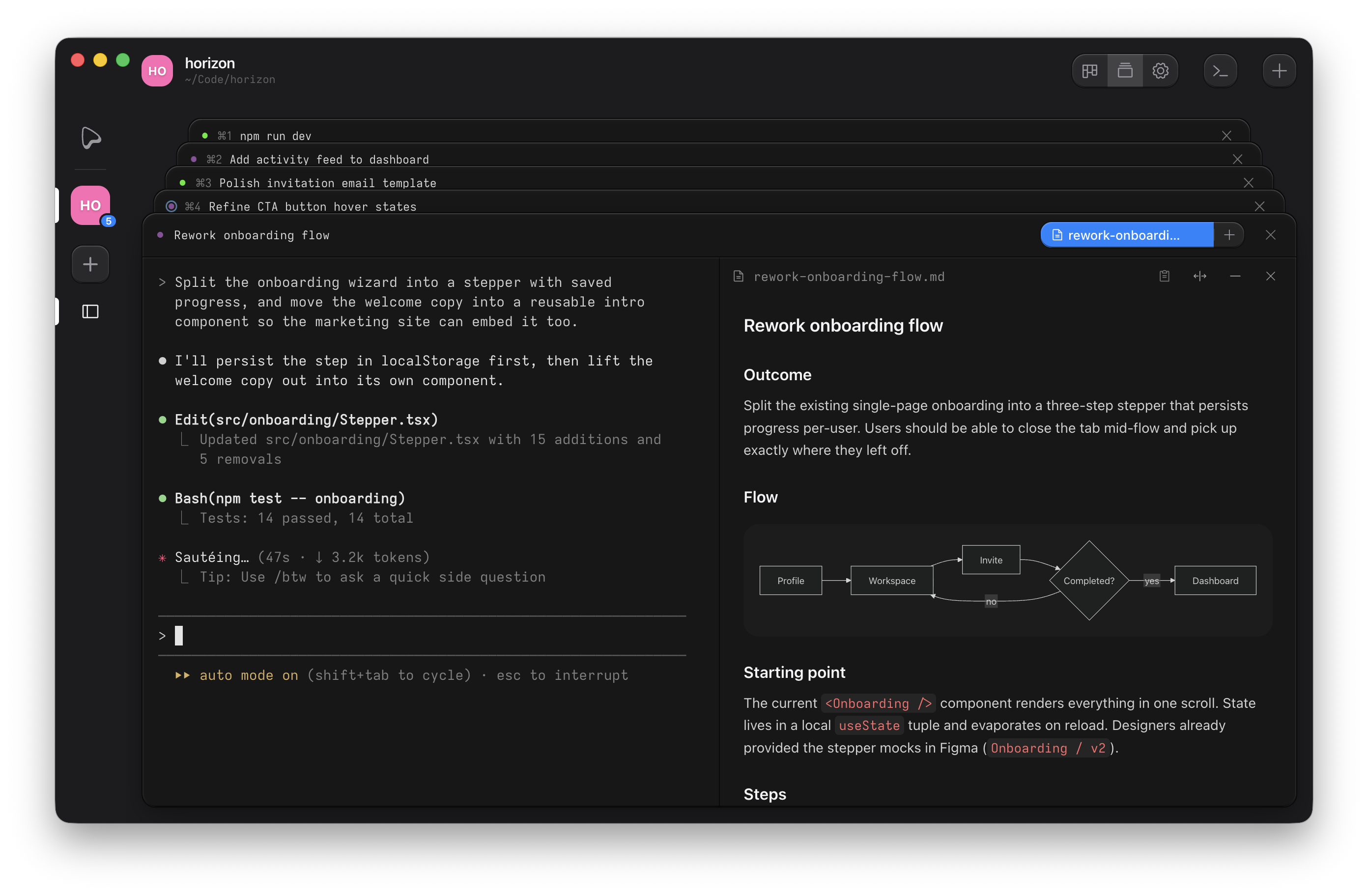
Attach panels to a terminal as tabs: a runner for long-running commands, web previews, and rendered markdown files. A plan can open right beside the agent working from it.
Open a panel
Click the + button in a terminal's header. The menu lists Run (when a run hook is configured), each project script, Web Preview, and Markdown File. Panels open as tabs; a terminal can hold several of each kind. Tabs shrink like browser tabs when crowded, and clicking the active tab collapses the panel back to the bare terminal. Each panel can split beside the terminal or go full width.
Agents and scripts open panels through the CLI: ouijit markdown add and
ouijit preview add attach to the terminal they run in. Adding a panel that is already open
activates it instead of duplicating it.
Runner
A runner is a child terminal that executes the project's run hook or a named script, with a status dot on
its tab (running, success, error). Kill leaves the tab in a stopped state with a Restart button; closing the
tab removes it. Press ⌘P to jump to the runner, or start one if none is open.
By default, launching a runnable that is already running in the task focuses the existing instance. Check Restart if it's already running in the task on a script or the run hook to kill and relaunch instead. The restart is scoped to the task's worktree, so parallel tasks never evict each other's runners.
Web preview
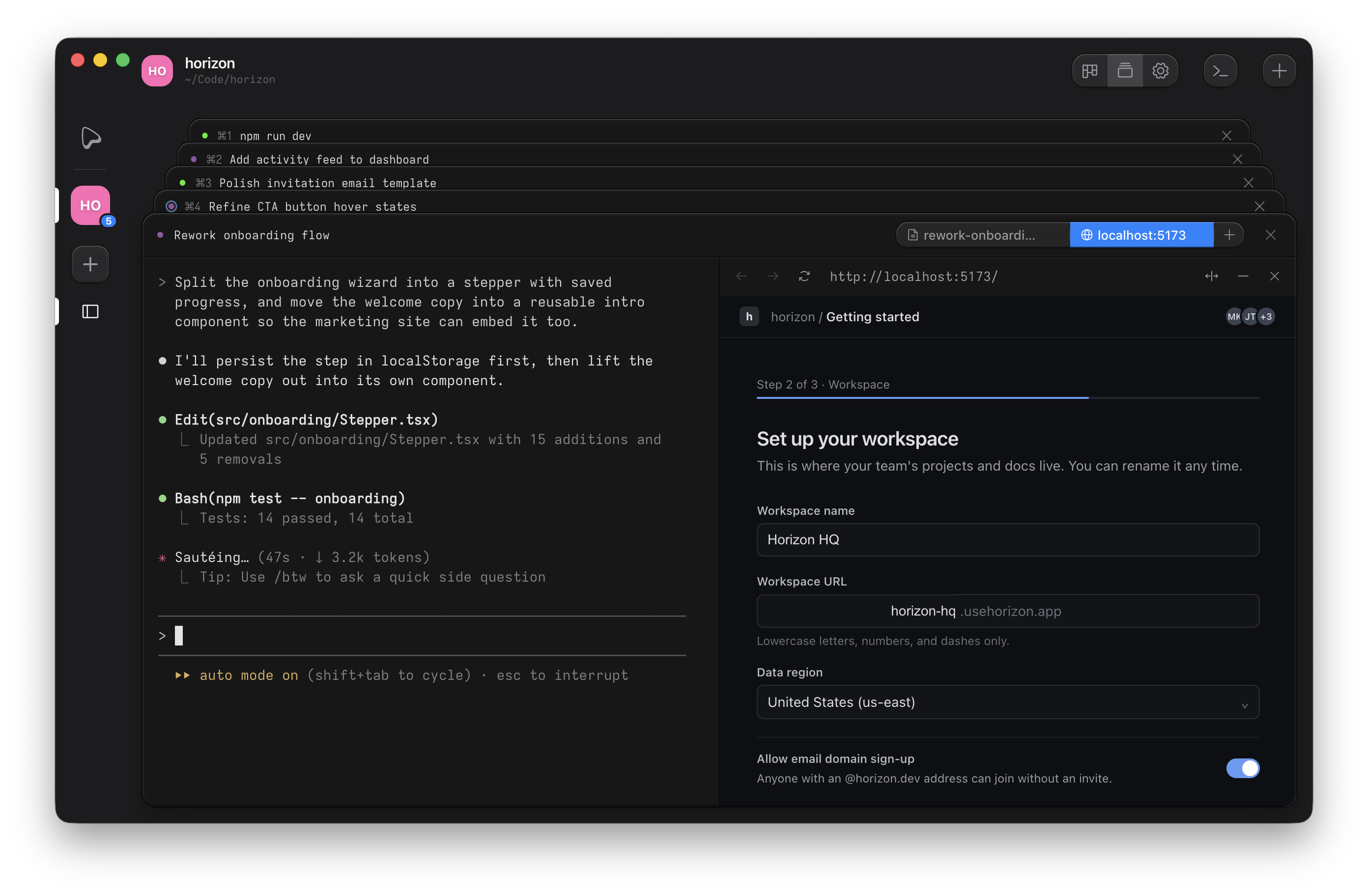
An embedded browser for the app you're building. It has back, forward, reload/stop, and an editable URL
field. Open one empty and type a URL, point it at a dev server the runner started, or let an agent surface
its work with ouijit preview add http://localhost:3000.
Markdown
A read-only rendered view of a markdown file, for plans, notes, and TODO lists shared between you and an agent. It re-renders when the file changes on disk, so a plan the agent edits updates live. Mermaid code fences render as diagrams, code blocks get syntax highlighting, and file paths that exist in the worktree become links that open in your editor at the right line.