Themes
Choose system, light, dark, or one of five presets, or define your own theme as design-token overrides. Themes restyle the whole app, terminals and their ANSI palette included.
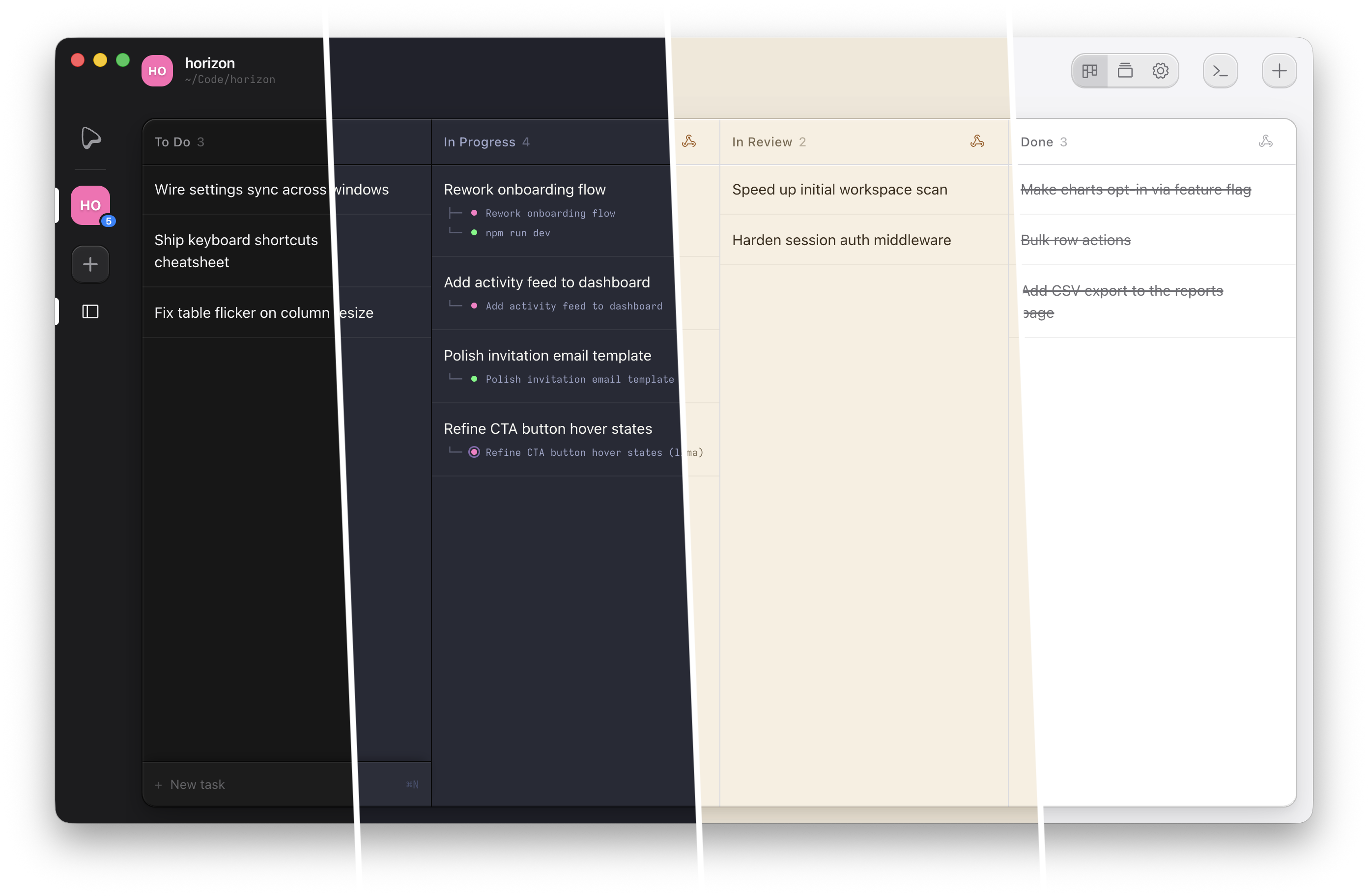
Pick a theme
Under App Settings → Appearance, choose System (follows the OS appearance live), Light, Dark, or a theme. Hovering an option previews it without saving. Five presets ship with the app:
| Preset | id | Base |
|---|---|---|
| Dracula | dracula | dark |
| Tokyo Night | tokyo-night | dark |
| Matrix | matrix | dark |
| Hot Pink | hot-pink | dark |
| Sepia | sepia | light |
The theme is global, not per-project, and changes apply live.
Write a custom theme
A theme is a set of design-token overrides on a dark or light base. Add one under
App Settings → Appearance → Custom themes, or from the shell:
ouijit theme save '{"id":"my-theme","name":"My Theme","base":"dark","tokens":{"--color-accent":"#ff2d55"}}'
ouijit theme use my-theme
Any token is overridable: surface and text colors, accent, the full 16-color ANSI palette, diff colors, and
shadows. The presets returned by ouijit theme list show the full token vocabulary; saving a
theme with a preset's id overrides that preset, and deleting your copy restores it.